
Insights
What factors affect the cost of hiring a Bubble agency?
Discover the cost of hiring a Bubble agency for your business. Find out what influences the price and see a real SaaS example by a Bubble agency.
Himanshu Sharma ·
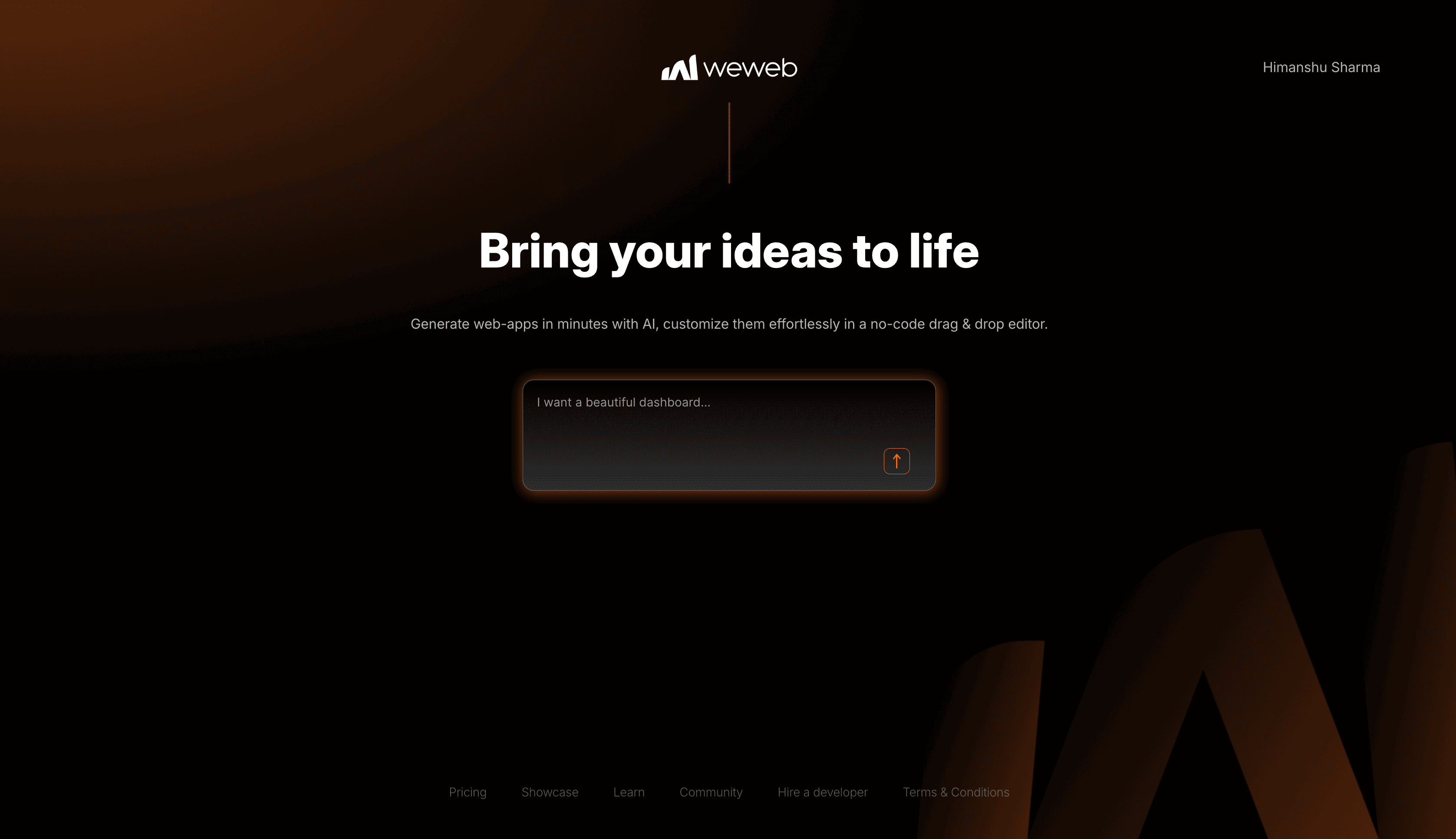
WeWeb has launched its AI features. The AI works well in some areas, but not so well in others. It’s interesting, but it doesn’t completely change everything.
This is my experience after using it on client projects.
WeWeb added AI features to its low-code platform. You can now prompt it to generate UI components, create workflows, build Supabase backends, and even make custom components.
They launched this as part of WeWeb 3.0 beta in early 2025, and it’s available right in the editor. There are no separate tools and no switching between platforms. Just type what you want and see what happens.
So, the UI generation with WeWeb AI works. Sort of.
You can screenshot a design from Figma or describe what you want, and WeWeb AI will create something that resembles what you asked for. But the issue is that it won’t match your design system.
I tried feeding it a client’s designs for a dashboard with their specific spacing, colours, and typography.
What I got back was functional. But the spacing was off, the fonts weren’t quite right, and the elements were not assigned any classes or typographies from the app’s design system.
It also avoids the use of multi-page sections and reusable assets wherever possible.
Beginners may see it as magic. But those with experience know it’s a decent starting point that you’ll need to clean up.
Related: WeWeb vs Bubble
WeWeb AI can generate workflows. It knows when to use if-then statements, understands pass-through conditions, and even adds comments to explain its actions. That’s good.
The challenge is that it prefers to use Javascript in some places, creates dozens of single use variables and fails if the workflow is complex.
And once it creates a workflow, you still need to double-check what it did or make minor modifications.
The AI was better when it first came out, but this new version seems to have more bugs.
That said, for simple CRUD operations or basic form submissions, the AI does fine. It’s when you need complex logic that things get questionable.
This is where WeWeb AI impressed me.
Need a custom date picker with some specific checks? Describe it, and you’ll get something that mostly works. Want a complex data table with sorting and filtering? Same deal.
I have seen people use WeWeb AI together with Cursor to create components. This combination works well. WeWeb AI manages the basic structure, and Cursor improves the code. In the end, you get something that is usable.
It still has rough edges, though. Sometimes, the components don’t handle responsive design well or have conflicts. But compared to the UI generation, this feels reliable.
This is the most polished part of the WeWeb AI experience.
WeWeb AI can set up your Supabase database schema, create tables, create RLS policies, and even create edge functions. And it works surprisingly well.
Why? Supabase has been optimizing their platform for better integration with AI tools like Bolt and Lovable. It shows.
I would not recommend Supabase for non-technical people. You need to understand data security and how to design APIs to use it well. However, for experienced developers, it can save a lot of time.
Related: WeWeb and Supabase
Here’s what would make this useful for agencies like mine:
WeWeb updated its pricing to factor in the tokens for AI. There are no AI feature restrictions on any plan, and the different plans have varying token limits.
Based on my experience, those AI tokens finish quickly.
I’ve seen people complain about burning through 500k tokens on simple requests. That’s not great.
The new pricing starts at $16 per month for the basic Seat plan and $10 per month for the basic Site plan. You’ll likely need to upgrade to the higher plan if you use AI frequently.
If you live in a few specific countries, you’ll see prices in your local currency and at a lower amount due to pricing parity.
The feedback has been mixed.
Some users love the UI generation for quick prototypes. Others are frustrated with token consumption and inconsistent results.
Use it, but don’t depend on it.
AI tools are useful. But they’re not magic.
Need a custom component? WeWeb AI can generate it. Want to prototype a workflow? WeWeb AI can give you the basic structure.
For production apps that require reliability and maintainability? I’m still doing most of the development myself.
It’s difficult to explain complex business requirements and dependencies.
WeWeb AI is a decent tool that’s getting better.
If you’re just getting started with WeWeb, it’s useful. If you’ve been using WeWeb for a while, it’s a useful intern.
Don’t expect it to build your entire app perfectly.
Related: WeWeb and Xano
Continue reading
Discover the cost of hiring a Bubble agency for your business. Find out what influences the price and see a real SaaS example by a Bubble agency.
Your team is doing $15/hour work. You're paying them $80/hour. Here's what manual processes actually cost and which one to fix first.
A practical guide to choosing between a developer and an agency for your internal tools. Covers costs, timelines, and when each option makes sense for SMBs.